


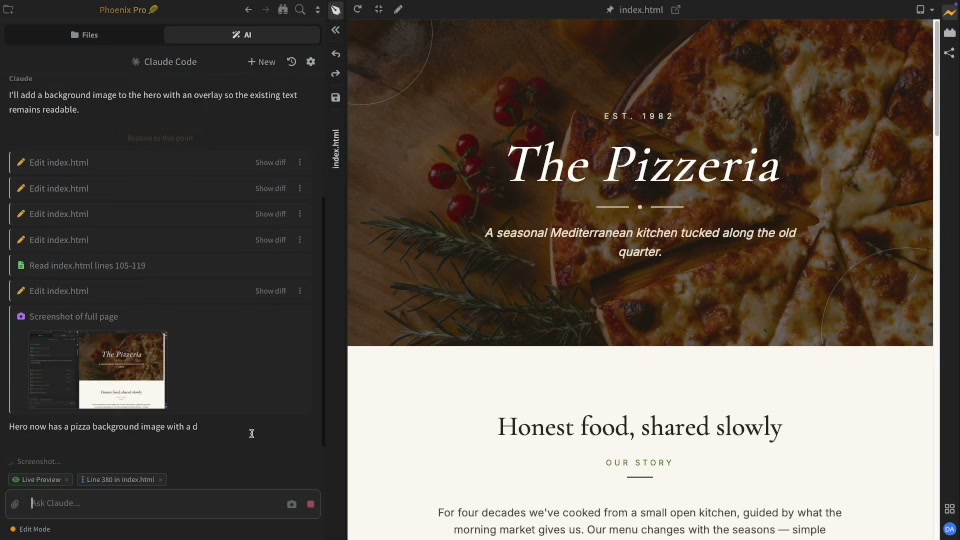
Most AI coding agents only read source code. AI in Phoenix Code looks at the rendered page too. It sees what the browser shows you, not just what the stylesheet or code implies.

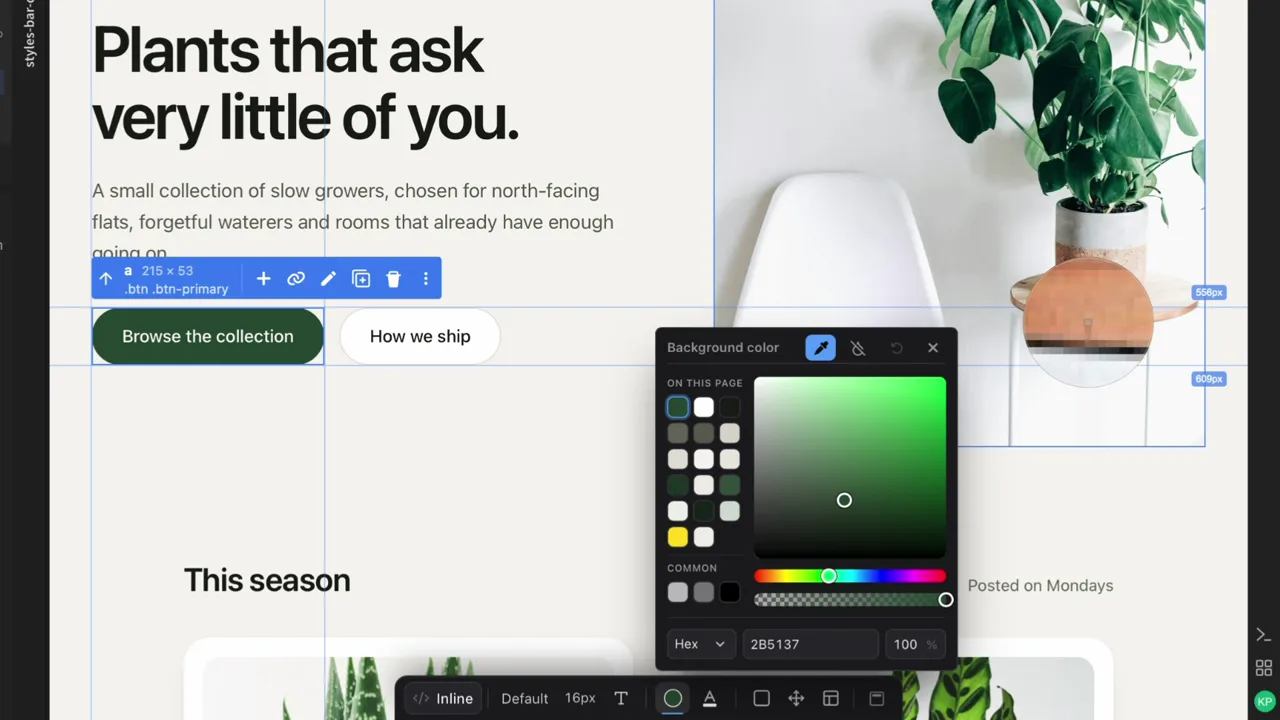
Edit text, change images and tweak layout directly in the preview. No more switching between code and browser.
Select any element in Live Preview and the Styles Bar gives you direct controls for fonts, colors, spacing, and layout. Every change writes straight to your code.
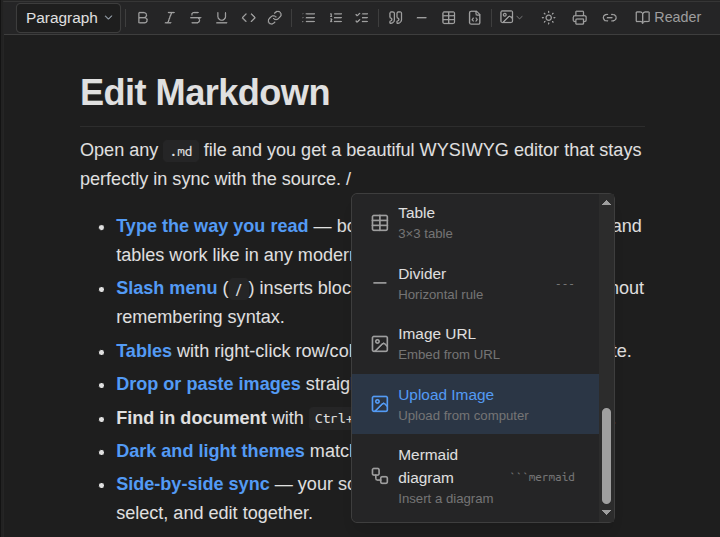
Create rich Markdown documents with images, tables, code blocks, and diagrams. Edit visually, switch to raw Markdown text anytime.
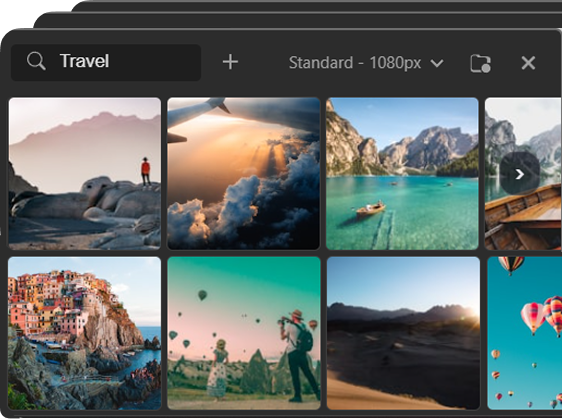
Browse royalty-free images — hover to preview instantly, click to apply. Try more options, faster.
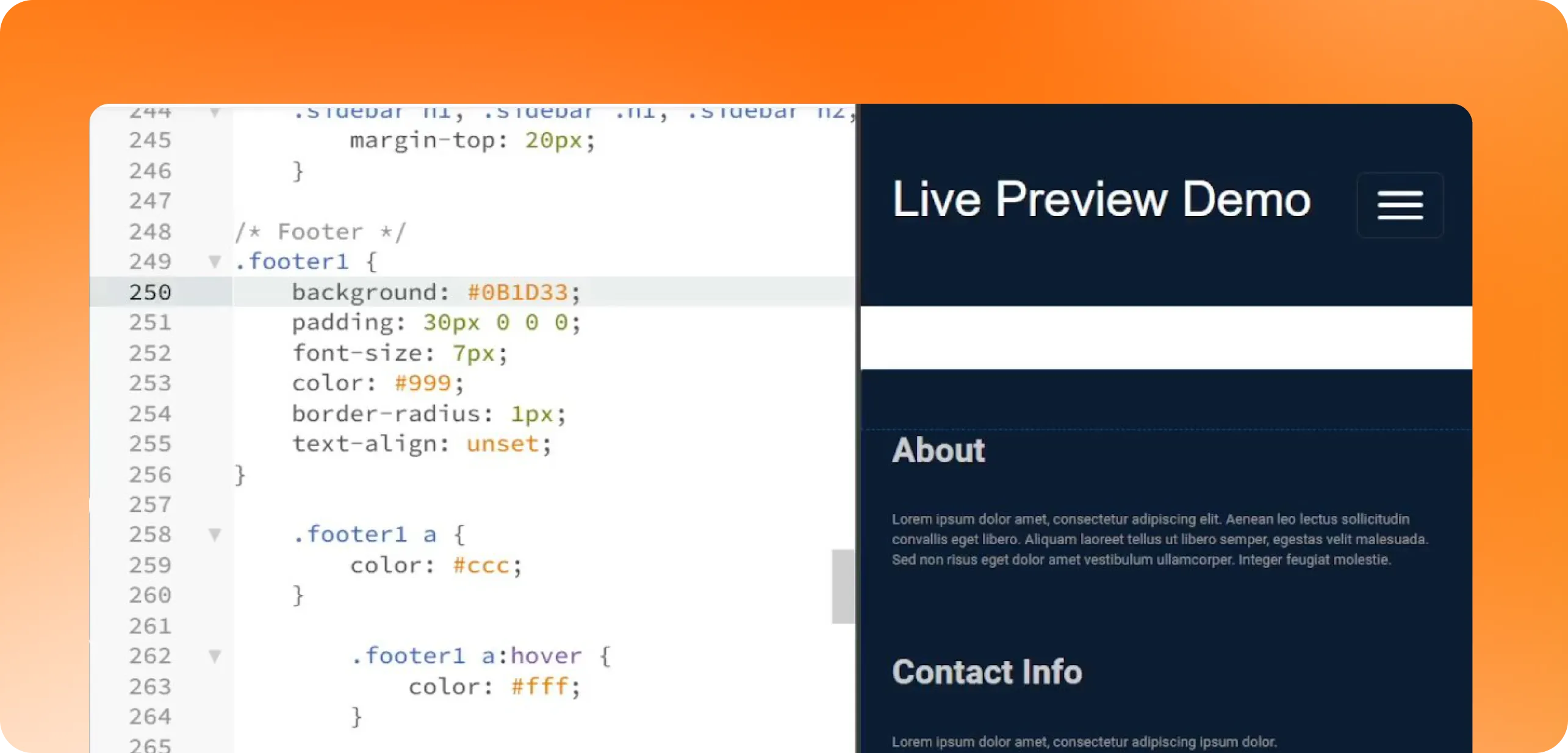
Write HTML, CSS, or JavaScript and watch your website update in real time as you type. Preview Markdown documents as you write.
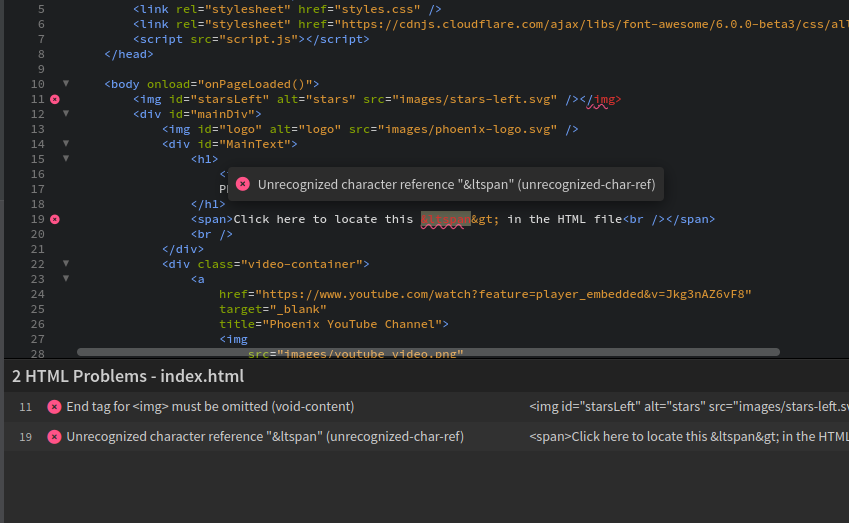
Completions, go to definition, find usages, error checking, and language smarts for JavaScript, TypeScript, Python, PHP, JSON, HTML, CSS, and more.
Learn more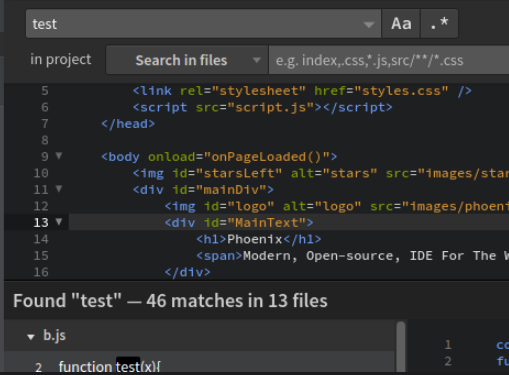
Search across your entire project in milliseconds. Filter by file type.
Learn more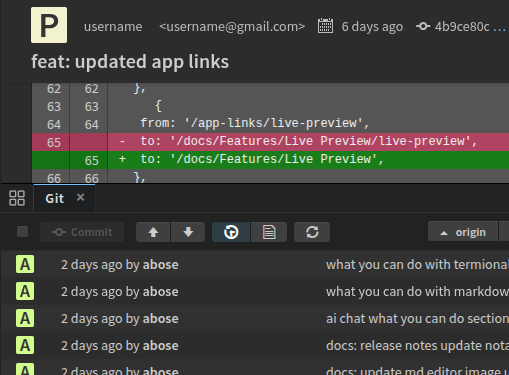
Stage changes, commit, and sync with your remote — all inside the editor.
Learn more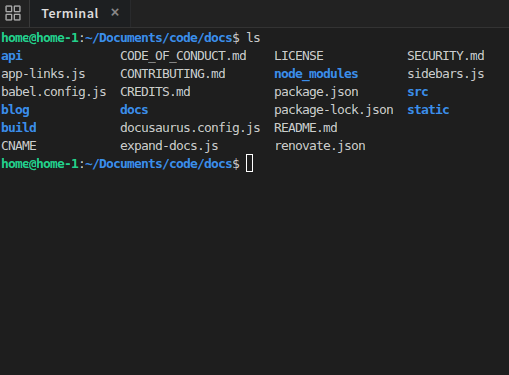
Run commands right next to your code in the new built-in terminal. Open multiple terminal tabs with your preferred shell.
Learn more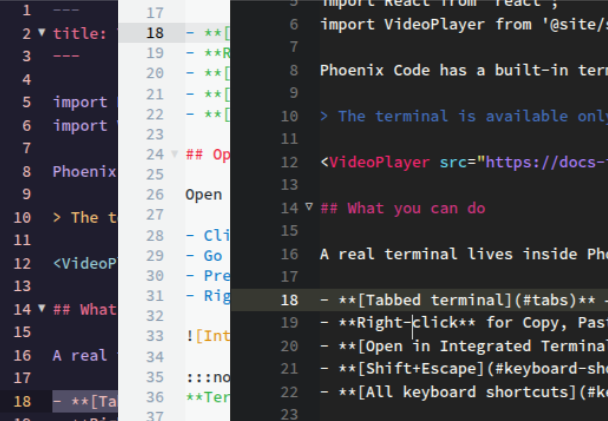
Customize everything with thousands of extensions and themes. Make it yours.
Learn moreAdobe’s Brackets was where millions of developers wrote their first line of code.
Phoenix Code is its official successor built to carry that legacy forward.
Read our story →